browser-gamecanvascellular-automatacellular-automatonchemistrychemistry-labfalling-sandhtml5-gamejavascriptjavascript-gamephysics-simulationpowder-simpowder-simulationsandboxsandbox-gamesandboxelssciencesimulationsimulatorsimulator-game
 3aea2de735
try to make fried water, i recommend watching The Action Lab's video on fried water, that might help, all of the ingredients are in joke tab (except for water itself) if you manage to make fried water, ping me on discord (@stefan blox) good luck |
||
|---|---|---|
| .github | ||
| archive | ||
| fonts | ||
| icons | ||
| mods | ||
| scripts/im2elements | ||
| 404.html | ||
| CITATION.cff | ||
| CNAME | ||
| README.md | ||
| SECURITY.md | ||
| ad.html | ||
| aff.json | ||
| changelog.html | ||
| changelog.txt | ||
| controls.html | ||
| controls.txt | ||
| education-use.html | ||
| feed.rss | ||
| feedback.html | ||
| help.html | ||
| index.html | ||
| license.txt | ||
| lite.html | ||
| manifest.json | ||
| mobile-use.html | ||
| mod-list.html | ||
| offline-use.html | ||
| offline.html | ||
| promo.html | ||
| service-worker.js | ||
| sitemap.txt | ||
| style.css | ||
| template.html | ||
| tips.html | ||
| yandex_fc020778bf434546.html | ||
README.md
Sandboxels
A falling sand simulation game.
Play at Sandboxels.R74n.com.
Join the Discord server.
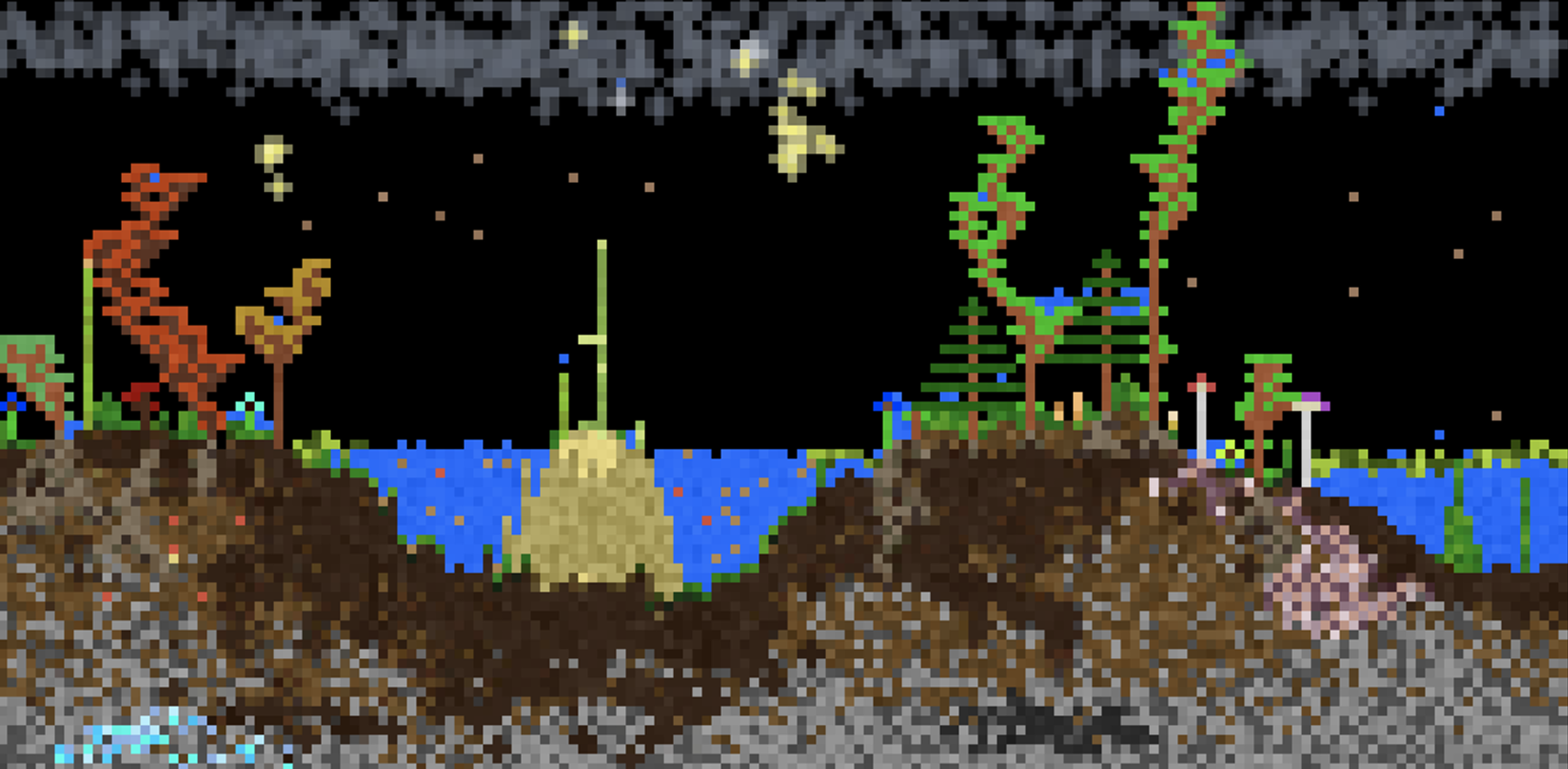
Controls
- Left Click = Draw pixels
- Right Click = Erase pixels
- Middle Click = Pick element
- Space or P = Pause simulation
- Shift + Heat/Cool/Shock = Intensify effect
- Shift + Click = Draw line
- Scroll or +- or [] = Change cursor size
- ←→ = Change category
- E = Select by name
- I or / = Element info
- \ = Open settings
- > = Single step
- F or F11 = Fullscreen
- 1234 = Change view
- F1 = Toggle GUI
- C or F2 = Capture screenshot
(Alt/Option can be used in place of Shift)
Button Info
- Pause = Pause/play the simulation
- Step = Run a single frame
- Minus (-) = Decrease the cursor size
- Plus (+) = Increase the cursor size
- Reset = Clears the entire simulation
- Replace = Overrides pixels when placing
- E = Select any element by name
- TPS = Change how fast the simulation runs
- Info = Open the element info screen
- Mods = Open the Mod Manager
- Settings = Open the settings menu