browser-gamecanvascellular-automatacellular-automatonchemistrychemistry-labfalling-sandhtml5-gamejavascriptjavascript-gamephysics-simulationpowder-simpowder-simulationsandboxsandbox-gamesandboxelssciencesimulationsimulatorsimulator-game
 5a5813a8f4
[Version 1.9 - October 13, 2023 - Local Saves]
    + Local Saves
        + SAVES button
        + Save the scene to 1 of 12 slots
        + Save the scene to a file
        + Load a scene from a file
        + Saves include a ton of information, even your selected element!
        + Choose to include your settings or mods
        + Drag & Drop or Paste a save file
    + Pumpkin
        + Fireproof solid for carving activities
    + Pumpkin Seed
        + Will grow when planted on soil!
    ~ Thermal View now uses a more useful logarithmic scale
   [Changes]
    + Resetting now adjusts canvas size if needed
    + Dot appears in center of cursor
    + E-cloner can select an element while unpowered
    + E-cloner ignores Wires and E-walls
    + Grass can spread on Sand, Clay, and Mycelium
    + Tree roots can grow through Clay
    ~ Sap no longer mixes with Sawdust
    + Plant and Sauce remove Stench
    + Humans break Eggs, Grapes, and bugs when on top of them
    + Humans can trample Grass
    + Termites can eat Confetti, Straw, and Wheat
    + Fleas can eat Hair
    + Ants can eat Honey
    + Snails can eat Calcium, Limestone, and Paper
    + Worms can infect and swim in Blood
    + Worms are killed by Antibodies
    + Eggs die at high temperatures
    + Bugs will form Amber when touching Sap
    ~ Frogs and Fish burn slower
    + Uranium dirties Salt Water
    + Radiation can dirty Ice
    + Blood is infected by Rotten Meat and Rotten Cheese
    + Vinegar and Limestone reaction
    + Ketchup slowly deoxidizes Rust
    ~ Charcoal leaves behind Ash and less CO₂
    ~ C4 no longer explodes when burnt
    + C4 releases poisonous fumes when burnt
    + C4 burns longer, can be used as fuel
    + C4 explodes when broken
    + Fireworks ignite at high temperatures
    + Dye dissolves in Pool Water
    + Ink slowly dissolves in Water
    + Honey dissolves in Tea
    + Molten Salt conducts electricity
    + Hair can be made by radiating Skin
    + Skin can absorb Soap
    + Proton and Electric reaction generates heat
    + Positron and Electric reaction generates Light
    + Escape key resets to Normal View
    ~ Recolored Tuff
    ~ Recolored Blood
    ~ Selected element outline is more clear
    ~ Improved button readability
    ~ Improved canvas pixel sharpness
    + Pressing - or + button centers the cursor
    ~ Step button is now an arrow
    + Clear Saves setting
   [Bug Fixes]
    ~ Fixed: Fireworks and Flash don't transfer heat
    ~ Fixed: Flash from Heat Ray is not hot
    ~ Fixed: Alcohol Gas density too high
    ~ Fixed: Pistil and Mushroom Gill can be dragged
    ~ Fixed: Herb can't be mixed in Batter or Dough
    ~ Fixed: Amber spawns at high temperature
    ~ Fixed: Heads can detach if Body moves during reaction
    ~ Fixed: Many Flour reactions make Gingerbread instead of Dough
    ~ Fixed: Ghost pixels when burning Plague, other deleting gases
    ~ Fixed: Color picker always appears when toggling GUI on (F1)
    ~ Fixed: Cooldowned elements can't be placed before 8th tick
    ~ Fixed: Frozen Fish break into Slime
   [Technical]
    + logMessage() function
    + SOIL eList
    + generateSave() and loadSave() functions
    + resizeCanvas() and autoResizeCanvas() functions
    + sb1 save format
    ~ Browser dark color scheme for UI elements
    ~ Light, Laser, etc. use bx/by instead of vx/vy (velocity.js fix)
|
||
|---|---|---|
| .github | ||
| archive | ||
| fonts | ||
| icons | ||
| mods | ||
| scripts/im2elements | ||
| .replit | ||
| 404.html | ||
| CITATION.cff | ||
| CNAME | ||
| README.md | ||
| SECURITY.md | ||
| ad.html | ||
| changelog.html | ||
| changelog.txt | ||
| controls.html | ||
| controls.txt | ||
| education-use.html | ||
| feed.rss | ||
| feedback.html | ||
| help.html | ||
| index.html | ||
| lite.html | ||
| manifest.json | ||
| mobile-use.html | ||
| mod-list.html | ||
| offline-use.html | ||
| offline.html | ||
| service-worker.js | ||
| sitemap.txt | ||
| style.css | ||
| template.html | ||
README.md
Sandboxels
A falling sand simulation game.
Play at Sandboxels.R74n.com.
Join the Discord server.
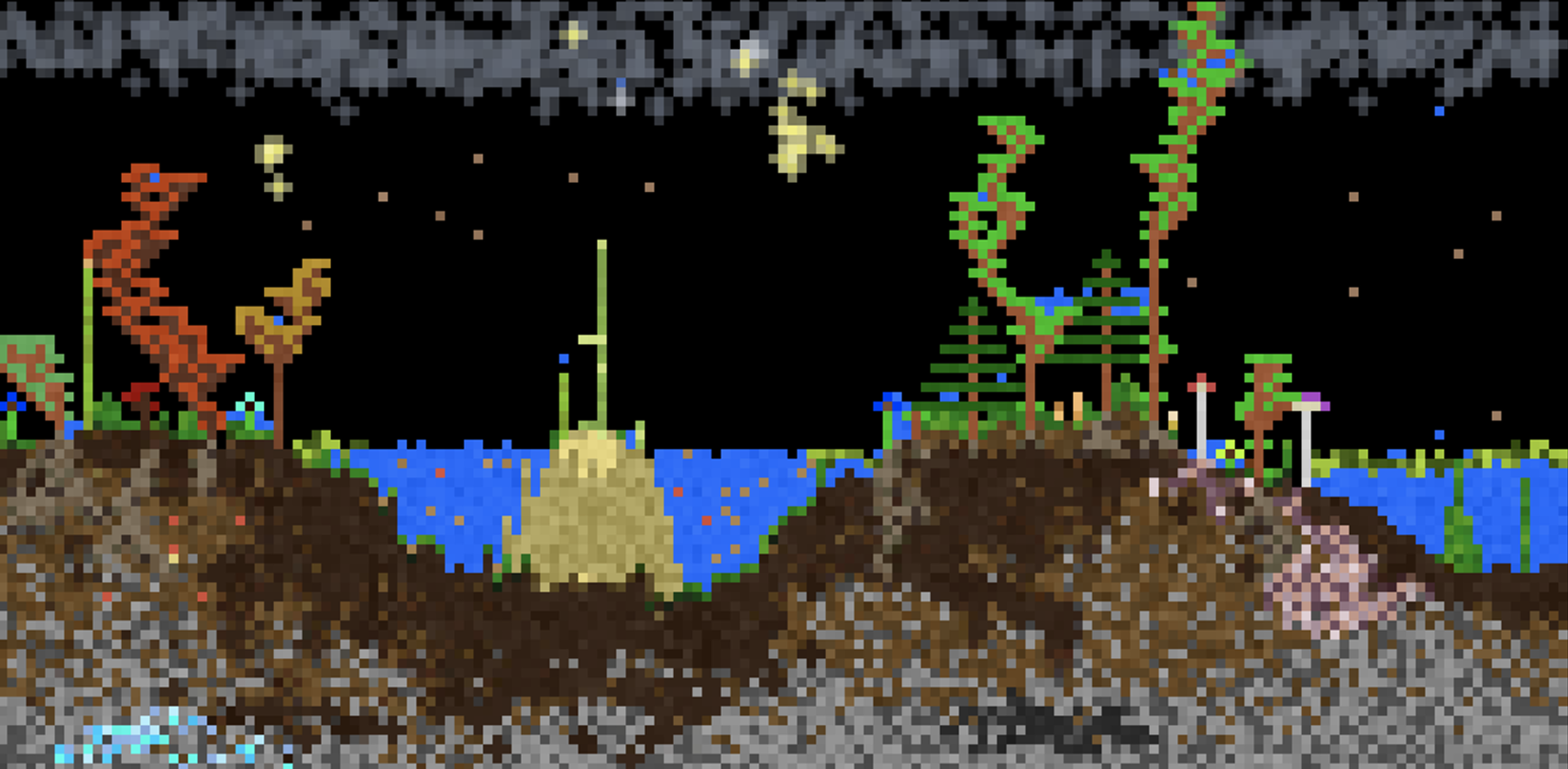
Controls
- Left Click = Draw pixels
- Right Click = Erase pixels
- Middle Click = Pick element
- Space or P = Pause simulation
- Shift + Heat/Cool/Shock = Intensify effect
- Shift + Click = Draw line
- Scroll or +- or [] = Change cursor size
- ←→ = Change category
- E = Select by name
- I or / = Element info
- \ = Open settings
- > = Single step
- F or F11 = Fullscreen
- 1234 = Change view
- F1 = Toggle GUI
- C or F2 = Capture screenshot
(Alt/Option can be used in place of Shift)
Button Info
- Pause = Pause/play the simulation
- Step = Run a single frame
- Minus (-) = Decrease the cursor size
- Plus (+) = Increase the cursor size
- Reset = Clears the entire simulation
- Replace = Overrides pixels when placing
- E = Select any element by name
- TPS = Change how fast the simulation runs
- Info = Open the element info screen
- Mods = Open the Mod Manager
- Settings = Open the settings menu