browser-gamecanvascellular-automatacellular-automatonchemistrychemistry-labfalling-sandhtml5-gamejavascriptjavascript-gamephysics-simulationpowder-simpowder-simulationsandboxsandbox-gamesandboxelssciencesimulationsimulatorsimulator-game
 79ac763b65
[Version 1.10.2 - December 15, 2024 - Birthday III]
    + Cheese Powder, from breaking Cheese
    + Chocolate Powder, from breaking Chocolate
   [Changes]
    ~ Drawing lines shows a preview of pixel placement
    ~ Updated Brick texture for better shading
    ~ LEDs, Light Bulbs, and Fireflies can be painted
    + Humans panic when seeing dangerous things, like Fire
    + Humans change direction after hitting walls
    ~ Humans eat more consistently
    ~ Humans have a panic limit
    ~ Humans no longer eat Human meat
    ~ Smash tool moves pixels if they can't be broken
    + Steam decomposes at extreme temperatures
    + Ruins has a Brick texture
    ~ Brick Rubble no longer breaks into Dust
    ~ Recolored Brick Rubble
    + Glass has a light border
    ~ Fancy textures have grain, besides Glass
    + Rock Wall can be made by gluing Rocks
    + Brick can be made by gluing Brick Rubble
    + Mudstone can be made by gluing Dirt
    + Packed Sand can be made by Sand
    + Sponges can dry Mud and Wet Sand
    + Clay can be made by dissolving Wet Sand in Acid
    + Cement can be made with Clay and Quicklime
    ~ Quicklime no longer turns into Limestone on its own
    + Plastic breaks into Beads
    + Charcoal slowly stains solids
    + Animals can spawn Eggs or offspring in Water
    + Seeds planted under soil will rise
    + Birds eat Spiders and their Webs
    + Rocks destroy Webs
    + Frogs release Steam when cooked
    + Worms break down Fiber
    ~ Worms compost some Sawdust into Dirt
    + Soap kills Snails and Slugs
    + Soap removes Slime
    + Alcohol kills Flower Pistils
    + Mercury kills Algae
    ~ Sap boils into some Steam
    ~ Bread is less flammable
    + Ammonia affects Wheat
    + Poison dirties Salt Water, Sugar Water, and Seltzer
    + Water on burning Oil will explode
    + Bleach reacts with Nut Oil and Grease
    + Baking Soda reacts with Soap
    + Copper Sulfate kills Spiders
    + Copper Sulfate stains Zinc
    + Bless removes Heat Ray
    + Plague makes Heads green
    + Plague destroys Skin
    + Hair absorbs some Water
    ~ Breaking Balloons makes some Pop
    ~ Cheese flows slower
    ~ Coffee Grounds in Milk brew into Coffee instead
    ~ Mushroom Spores no longer break
    ~ Acid Clouds don't precipitate when too hot or cold
    ~ Border can be painted
    ~ Tweaked Charcoal heat color
    ~ Moved Light Bulb to after LEDs
    + Midas Touch turns Paper green
    ~ Midas Touch turns Humans into solid Gold instead of Coins
    + Wall alias 'Solid'
    + Mayo alias 'Mayonnaise'
    + Alcohol alias 'Ethanol'
    + Unbreakable elements are clarified in element info
    ~ Screenshots download with name of current save
    ~ Pixel count turns red when all canvas sizes are full
    ~ Log messages have a black shadow to read on bright backgrounds
    ~ TPS dialog displays minimum and maximum
   [Bug Fixes]
    ~ Fixed: Replace Mode causes pixels to float while placing
    ~ Fixed: Detached Heads and dead Humans can eat food
    ~ Fixed: Pixel alpha isn't set from element properties on creation
    ~ Fixed: Molten Thermite continues to heat when not burning
    ~ Fixed: Prop tool can't set value when existing value is null
    ~ Fixed: Unbreakable pixels can burn away when using Prop tool (Perma-burning!!!)
    ~ Fixed: Pixels with burnt states never burn when using Prop tool
    ~ Fixed: Prop tool doesn't retain "0" value on next dialog
    ~ Fixed: Prop tool doesn't handle changing "x" and "y" properties
    ~ Fixed: Placing Fire on insulative pixels heats them
    ~ Fixed: Burning heats insulative pixels
    ~ Fixed: Rays, Bless, Radiation, and some Bombs change insulative pixel temperature
    ~ Fixed: Stink Bugs aren't properly killed by Frogs, Sap, Copper Sulfate, and Borax
    ~ Fixed: Erasing with Lookup selected will only erase 1x1
    ~ Fixed: Erasing fast with Pick or Lookup selected will leave gaps
    ~ Fixed: Hail doesn't conduct heat
    ~ Fixed: Hail cannot break solids without a defined state
    ~ Fixed: Breaking Humans eventually creates Sand and Cement
    ~ Fixed: Element buttons arranged in weird columns after certain issues
    ~ Fixed: Ball doesn't have density and floats on gases
   [Technical]
    + BORDER render preset
    + 'grain' element property
    + 'toolHoverStat' element property, function that takes the hovered pixel while selected
    + 'buttonColor' element property
    ~ Humans now eat any element with true 'isFood' property
    ~ Pixels with 0% alpha won't appear in Basic View
    ~ LEDs with 0% alpha will only appear when powered
    + releaseElement function has option to replace liquids
    ~ Fixed: lineCoords function returns duplicate values
    + empty.js mod for browser JavaScript overriding
|
||
|---|---|---|
| .github | ||
| archive | ||
| fonts | ||
| icons | ||
| lang | ||
| mods | ||
| scripts/im2elements | ||
| 404.html | ||
| CITATION.cff | ||
| CNAME | ||
| README.md | ||
| SECURITY.md | ||
| ad.html | ||
| aff.json | ||
| changelog.html | ||
| changelog.txt | ||
| controls.html | ||
| controls.txt | ||
| education-use.html | ||
| feed.rss | ||
| feedback.html | ||
| help.html | ||
| index.html | ||
| license.txt | ||
| lite.html | ||
| manifest.json | ||
| mobile-use.html | ||
| mod-list.html | ||
| offline-use.html | ||
| offline.html | ||
| promo.html | ||
| service-worker.js | ||
| sitemap.txt | ||
| style.css | ||
| template.html | ||
| tips.html | ||
| translate.html | ||
| yandex_fc020778bf434546.html | ||
README.md
Sandboxels
A falling sand simulation game.
Play at Sandboxels.R74n.com.
Join the Discord server.
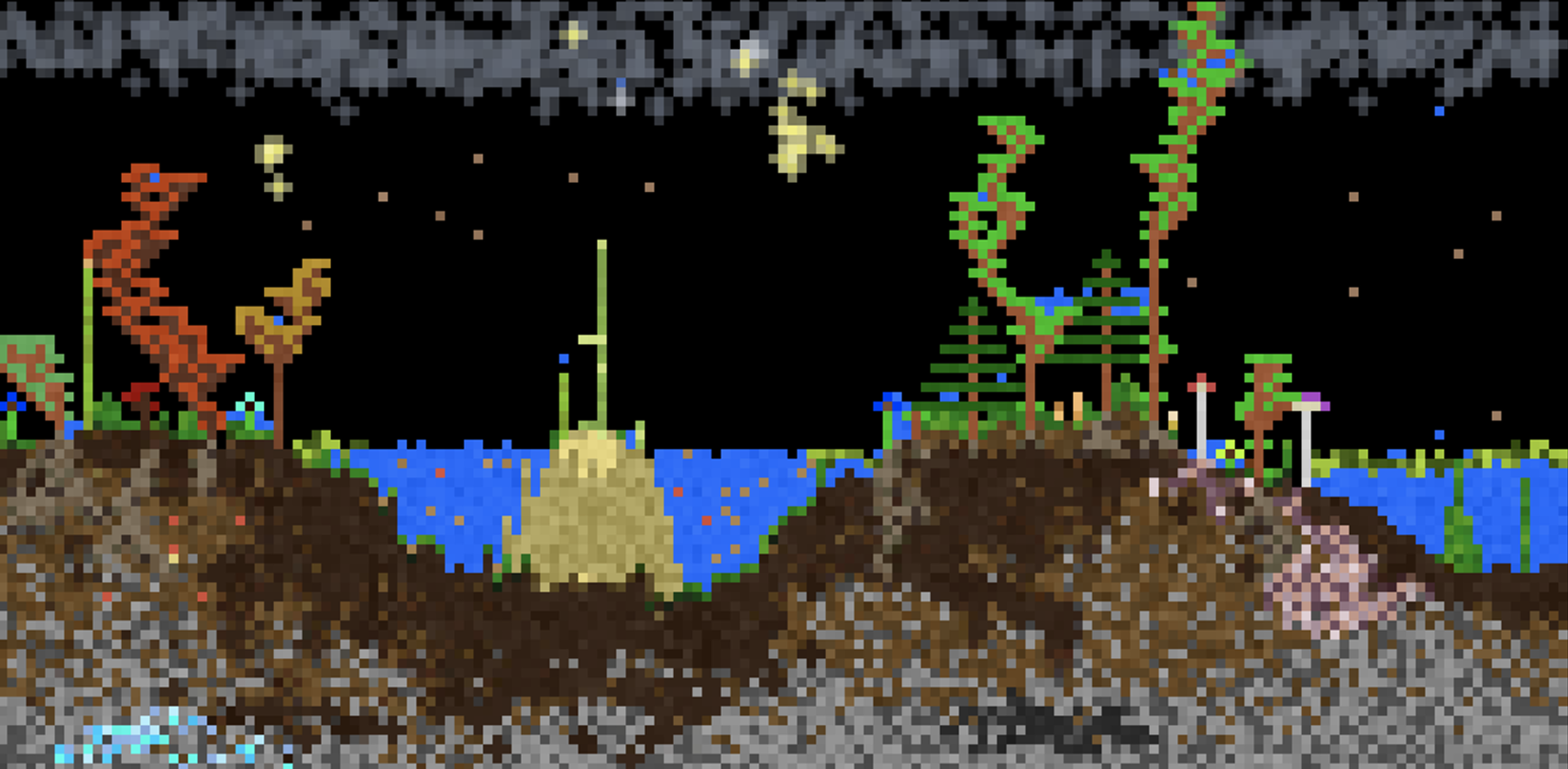
Controls
- Left Click = Draw pixels
- Right Click = Erase pixels
- Middle Click = Pick element
- Space or P = Pause simulation
- Shift + Heat/Cool/Shock = Intensify effect
- Shift + Click = Draw line
- Scroll or +- or [] = Change cursor size
- ←→ = Change category
- E = Select by name
- I or / = Element info
- \ = Open settings
- > = Single step
- F or F11 = Fullscreen
- 1234 = Change view
- F1 = Toggle GUI
- C or F2 = Capture screenshot
(Alt/Option can be used in place of Shift)
Button Info
- Pause = Pause/play the simulation
- Step = Run a single frame
- Minus (-) = Decrease the cursor size
- Plus (+) = Increase the cursor size
- Reset = Clears the entire simulation
- Replace = Overrides pixels when placing
- E = Select any element by name
- TPS = Change how fast the simulation runs
- Info = Open the element info screen
- Mods = Open the Mod Manager
- Settings = Open the settings menu