browser-gamecanvascellular-automatacellular-automatonchemistrychemistry-labfalling-sandhtml5-gamejavascriptjavascript-gamephysics-simulationpowder-simpowder-simulationsandboxsandbox-gamesandboxelssciencesimulationsimulatorsimulator-game
 b9717b2802
[Version 1.10.1 - October 5, 2024 - Creepy Crawlies]
   [Crawly]
    + Spider, will climb and create Webs
    + Web (Hidden), will trap bugs
    + Ants can climb walls
   [Creepy]
    + Soul (Hidden), from Humans
    + Ectoplasm (Hidden)
    + Tombstone, spawns Souls
    ~ Note: Soul features will move to the souls.js mod after October
    + Candy is candy corn-colored
    + Humans will wear orange shirts on Halloween
   [Changes]
    + Fire can heat existing pixels when placed over them
    + Wet Sand and Mud release Steam when heated
    + Smashing Clouds can release their Water
    + Water will create Bubbles before boiling
    + Dirty Water can be purified before boiling
    + Panicking humans will cause others to panic
    + Rice can be fermented
    + Rats can eat Vines
    + Bleach kills Algae
    + Salt slowly dissolves in Bleach
    + Bleach destroys Ink and Dye
    + Bleach stains Porcelain Shards brown
    + Caramel dissolves in Vinegar
    + Image tool set to Paint will recolor pixels
    + Midas Touch converts hot liquids to Molten Gold
    ~ Thermite can no longer form Slag
    ~ Milk boils more realistically
    ~ Increased minimum temperature for Meat to make Grease
    ~ Blaster explodes into less Plasma
    ~ Moved Hive to after Bee when unhidden
    + Rust alias 'Iron Oxide'
   [Bug Fixes]
    ~ Fixed: Mix with Replace Mode deletes pixels
    ~ Fixed: Cannot Erase lines on mobile
    ~ Fixed: Heat glow appears in inappropriate views
    ~ Fixed: Void can be dragged
    ~ Fixed: Oxidized Copper can't sink in liquids
    ~ Fixed: Pressure Plate doesn't conduct Heat or sink
    ~ Fixed: Fire created by molten pixels isn't hot enough
    ~ Fixed: Mods added with backslash can't be removed
    ~ Fixed: Single Sponge pixels have NaN moisture
    ~ Fixed: Non-string hoverStat values crash simulation
    ~ Fixed: Crash when pixel changes state into a customColor element
   [Technical]
    + URL parameter ?holiday=false disables holiday events
    + Pressure Plate 'min' attribute for minimum density
    + 'onStateHigh' and 'onStateLow' element properties
    + 'buttonGlow' element property
    + Saves with abnormally large canvases display a warning
    + createPixel and changePixel functions accept null values
    ~ Corn updated to use 'onStateHigh' property
    ~ Pixel 'glow' attribute can be false to override default
    ~ Pixel 'glow' attribute is removed when pixel changes
    ~ Random element is no longer hard-coded
|
||
|---|---|---|
| .github | ||
| archive | ||
| fonts | ||
| icons | ||
| lang | ||
| mods | ||
| scripts/im2elements | ||
| 404.html | ||
| CITATION.cff | ||
| CNAME | ||
| README.md | ||
| SECURITY.md | ||
| ad.html | ||
| aff.json | ||
| changelog.html | ||
| changelog.txt | ||
| controls.html | ||
| controls.txt | ||
| education-use.html | ||
| feed.rss | ||
| feedback.html | ||
| help.html | ||
| index.html | ||
| license.txt | ||
| lite.html | ||
| manifest.json | ||
| mobile-use.html | ||
| mod-list.html | ||
| offline-use.html | ||
| offline.html | ||
| promo.html | ||
| service-worker.js | ||
| sitemap.txt | ||
| style.css | ||
| template.html | ||
| tips.html | ||
| translate.html | ||
| yandex_fc020778bf434546.html | ||
README.md
Sandboxels
A falling sand simulation game.
Play at Sandboxels.R74n.com.
Join the Discord server.
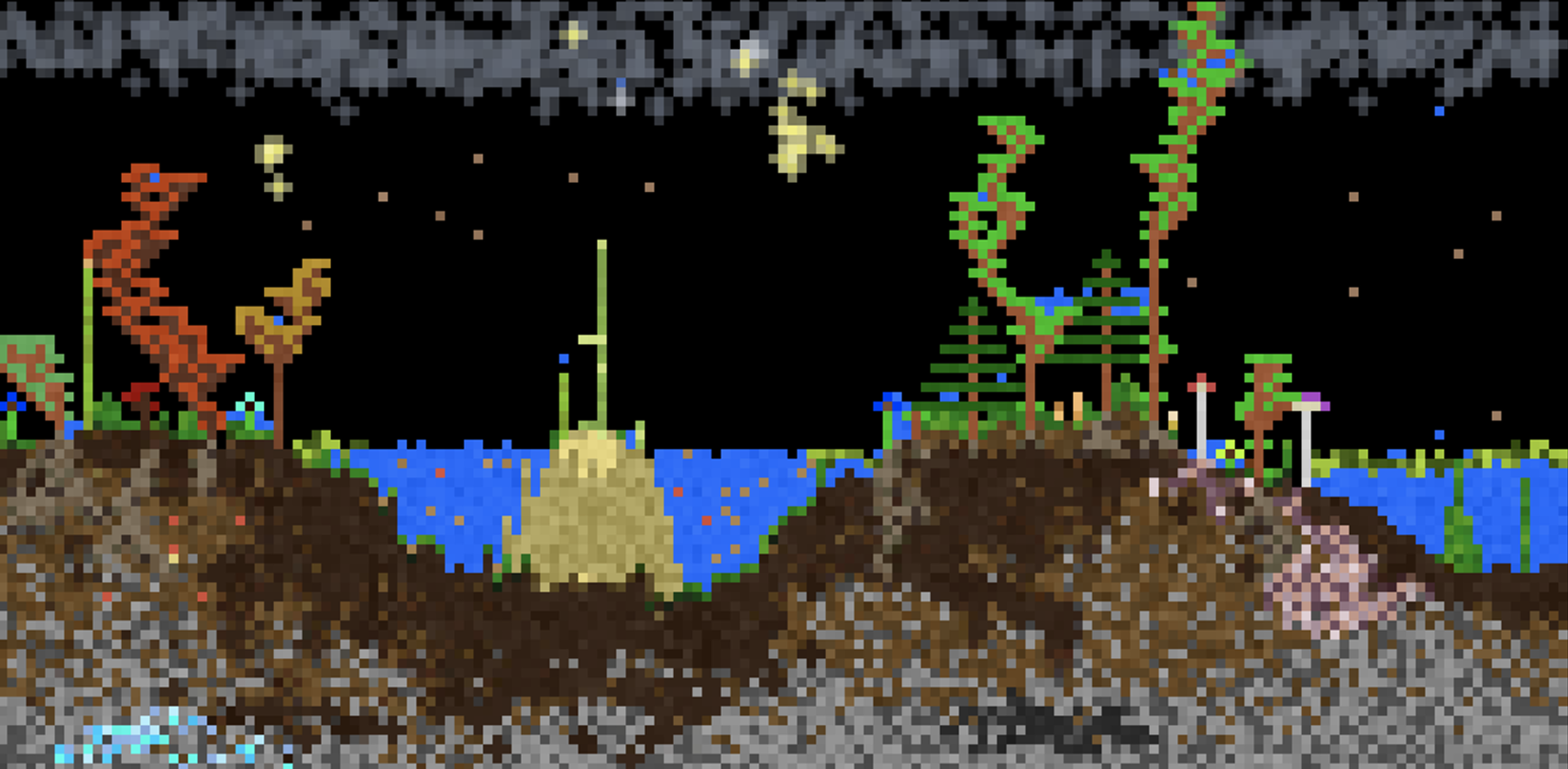
Controls
- Left Click = Draw pixels
- Right Click = Erase pixels
- Middle Click = Pick element
- Space or P = Pause simulation
- Shift + Heat/Cool/Shock = Intensify effect
- Shift + Click = Draw line
- Scroll or +- or [] = Change cursor size
- ←→ = Change category
- E = Select by name
- I or / = Element info
- \ = Open settings
- > = Single step
- F or F11 = Fullscreen
- 1234 = Change view
- F1 = Toggle GUI
- C or F2 = Capture screenshot
(Alt/Option can be used in place of Shift)
Button Info
- Pause = Pause/play the simulation
- Step = Run a single frame
- Minus (-) = Decrease the cursor size
- Plus (+) = Increase the cursor size
- Reset = Clears the entire simulation
- Replace = Overrides pixels when placing
- E = Select any element by name
- TPS = Change how fast the simulation runs
- Info = Open the element info screen
- Mods = Open the Mod Manager
- Settings = Open the settings menu